
Design for every language
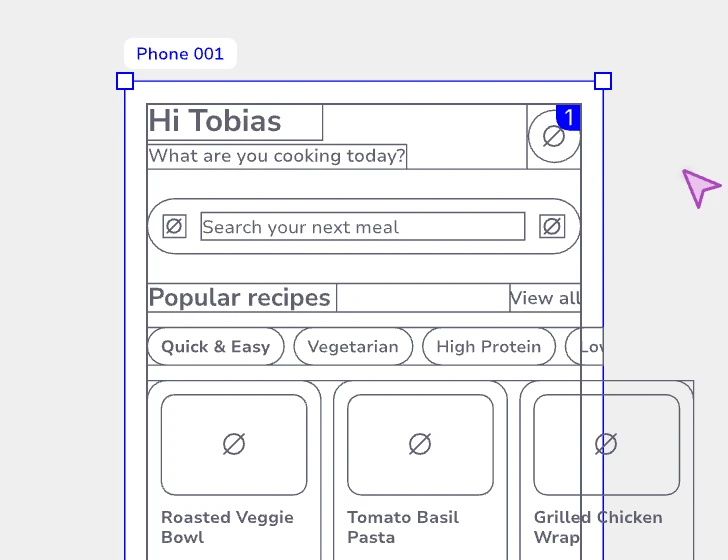
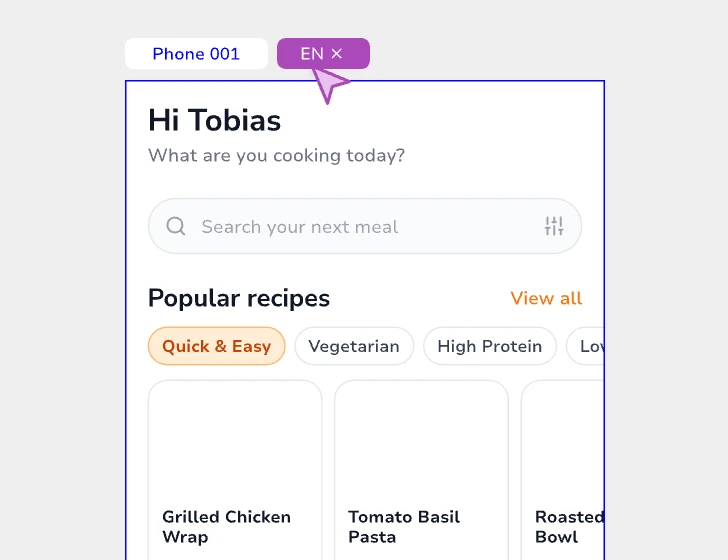
Manage translations directly in your project and see how they behave in the actual interface.
Structure, context, and intent stay connected, whether you're working in the editor or through your own AI tools.
Already a member? Log in
Move from structure to prototype to developer handoff without rebuilding the decisions behind it.
Localization and accessibility belong in the design, not at the end.
Manage translations directly in your project and see how they behave in the actual interface.
Define structure and accessibility while you design, and carry that intent into development.
Structure, translations, accessibility, and design decisions all matter.
Lapyn keeps them connected as your product evolves.
AI can turn ideas into working products. But when context is scattered across prompts, specs, and code, every iteration starts by reconstructing what came before.
Lapyn keeps structure, context, and intent together, so people and AI agents can build on what came before.
Connect your AI to the design itself, not just a screenshot. It can read, edit, and build on your work, even when the editor is closed.
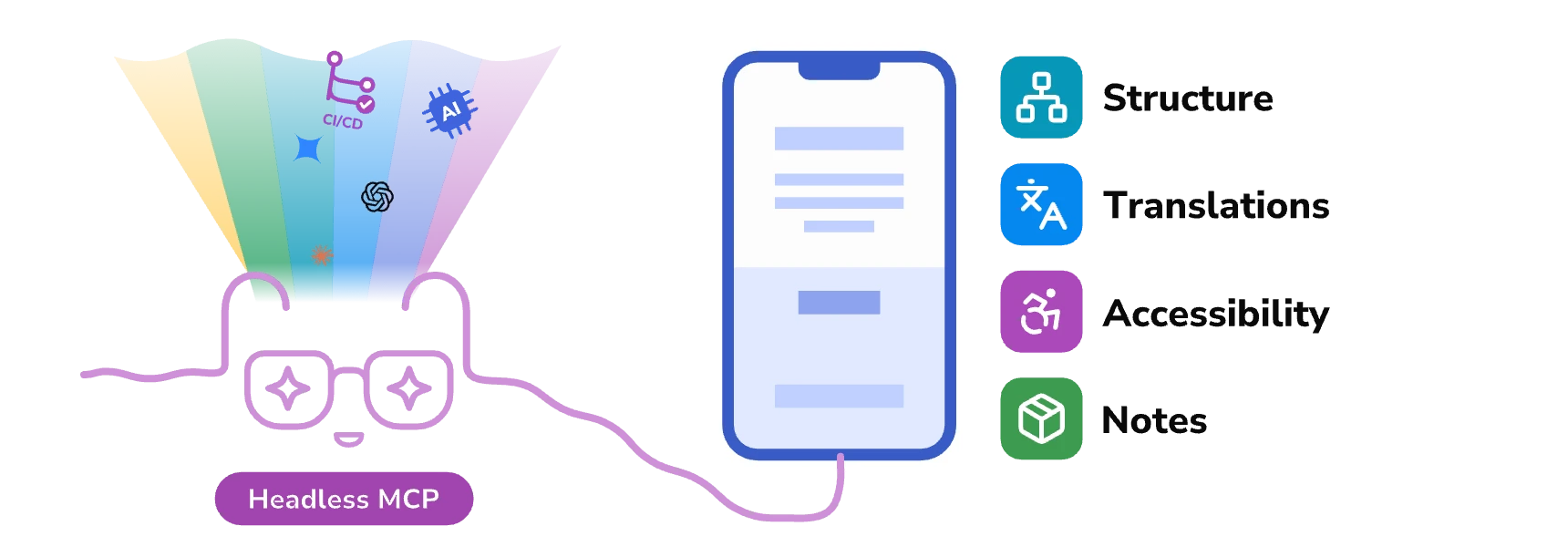
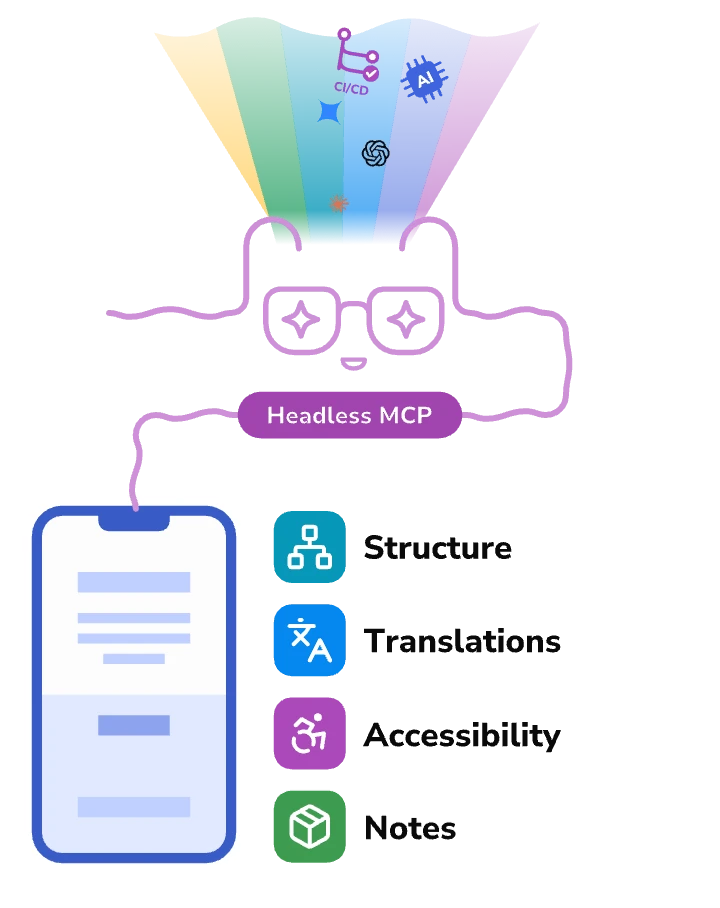
Agents like Claude, Codex/ChatGPT, Gemini, any MCP client or a CI/CD pipeline connect to Lapyn's headless MCP and get the design's structure, translations, accessibility and notes.
Your agent makes changes directly in the same design you and your team work on. No separate copies to sync.
Your agent can work directly on your designs without opening the editor. It can even render screens to check its changes.
Use Claude, Codex/ChatGPT, Gemini, or any MCP-compatible client. You're free to work with the AI tools you prefer.
Lapyn is built for Product Builders, and we know that feedback is a core part to get our best version. We would love to hear .
Lapyn helps product teams move from structure to prototype to developer handoff without losing the decisions, logic, and details that make the product work.
Not at all. Designers, product managers, and developers work on the same project. Structure, translations, accessibility, and decisions live right in the design, so nobody rebuilds them from docs or tickets, and developers and AI tools read them directly.
Lapyn fits into the way you already work. Paste your designs straight from Figma and keep going: Lapyn adds what usually ends up scattered across docs, tickets, and spreadsheets, from structure and translations to accessibility and the reasoning behind every screen. Connect the AI tools you already use, like Claude or Codex/ChatGPT, and they get the whole picture: how each screen is built, what it says in every language, and how it stays accessible. So when your AI helps write the code, it works from your actual design, not from a screenshot.
Add Lapyn to Claude, Codex/ChatGPT, or any other MCP client and approve the connection with your Lapyn account. Your AI can then read and edit your project's structure, translations, accessibility, and references: the product, not just a picture of it. For automation, like a CI/CD pipeline or any other app you build, create a service token limited to the projects it needs. Claude and Codex/ChatGPT can also install the Lapyn plugin.
Soon. Real-time collaboration is already built into Lapyn and opens up together with workspaces, which bring the sharing and invitations around it.
A free public alpha, though a lot is already in: the MCP connection, translations, accessibility, references, and pasting from Figma. Alpha means we still move fast, so features change and things can break now and then. Export important projects regularly and tell us what you run into.
Yes, for the whole alpha. Pricing comes with the beta, and we'll let you know well before it does.
Anyone building products who wants to help shape Lapyn, and anyone who would like to invest in it. Share or write to hello@lapyn.com.